Tips&Tricks

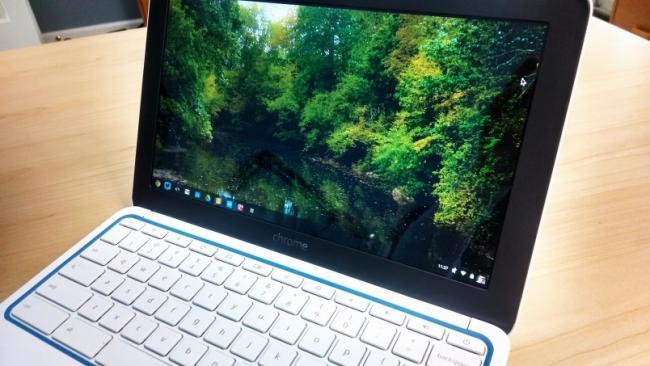
At the first login screen, simply press Alt+Ctrl+Shift+R and tap the Restart button. Doing so brings up the Powerwash prompt, which you can choose to wipe the device clean within a few minutes.

Before finding this key combo, I was in a bit of a panic, thinking I’d have to waste time getting the Chromebook back to my friend to wipe it clean, but now all is right with the world. After a quick factory restore and sign-in with my own account, the Chromebook is as good as new!


Leave A Comment


Last Visited Articles


Info Board

Visitor Counter
0
 

Todays visit

47 Articles 5670 RSS ARTS 15 Photos

Popular News

🚀 Welcome to our website! Stay updated with the latest news. 🎉

United States

216.73.217.130 :: Total visit:


Welcome 116.73.117.130 Click here to Register or login
Oslo time:2026-08-22 Whos is online (last 1 min): 
1 - United States - 226.72.227.220
2 - Iraq - 37.238.55.240
3 - Singapore - 224.229.232.222
4 - Bolivia - 030.0.097.08
5 - Singapore - 47.22.50.46
6 - Morocco - 896.75.73.850


Farsi English Norsk RSS